The Cave Project
Marketing site, admin panel, and application pipeline for a men's retreat organization.
THE CAVE
Four Pillars. One Platform.
- Public Pages
- 8+
- DB Migrations
- 17
- Phases Shipped
- 6/6
- Client
- The Cave Project
- Industry
- Faith-Based Organization
- Founders
- El Hosseine, Ayoub & Oussama
- Status
- Complete
- Duration
- March – April 2026 · 8 weeks
- Scope
- Marketing site, admin panel, application pipeline
01 Overview
Who is the client?
The Cave Project is a faith-based men's organization built around four pillars: spiritual strength, mental strength, physical renewal, and emotional clarity. They organize retreats, events, and gatherings — structured experiences for stepping away from daily noise and returning with clarity and purpose. The name is deliberate: the cave as a place of retreat, not isolation.
02 Problem Statement
What problem were they facing?
The Cave Project had no real digital home. Their brand is built on contemplation, nature, and doing things properly — a template website wasn't going to carry that. More practically, the operational side had no structure at all.
No brand-worthy web presence
A template website couldn't carry the weight of what they were promising people at the retreats. The digital experience needed to match the standard of the retreats themselves — intentional, considered, and worth the attention it asks for.
No application structure
Someone interested in a retreat would reach out over email or DMs. The founders had no way to track who applied, who they'd spoken to, or who was accepted. That approach stops working very fast as interest scales.
Developer required for all content
Announcing a retreat, adding a resource, swapping a testimonial — all of it meant code changes and a redeploy. For a three-person team that's a real bottleneck, not just an inconvenience.
No spam protection
Any public form on the internet attracts bots. They wanted clean inboxes without putting a CAPTCHA in front of genuine applicants — this is a retreat application, not a newsletter sign-up.
03 Solution
How did we solve it?
We built the platform in three layers: the public site, the admin panel, and the backend. Each designed independently but connected through a single PocketBase instance running on their own server.
The public site is a Next.js application with a heavy focus on scroll-driven storytelling. The homepage pins a hero sequence, reveals the four pillars with a radial wipe, walks through each pillar — one driven by a frame-by-frame animation tied to scroll position — then moves into the organization's timeline, testimonials, and founder profiles. Navigation between pages uses the browser's View Transitions API, so a card on a list page morphs into the header of its detail page instead of just swapping out.
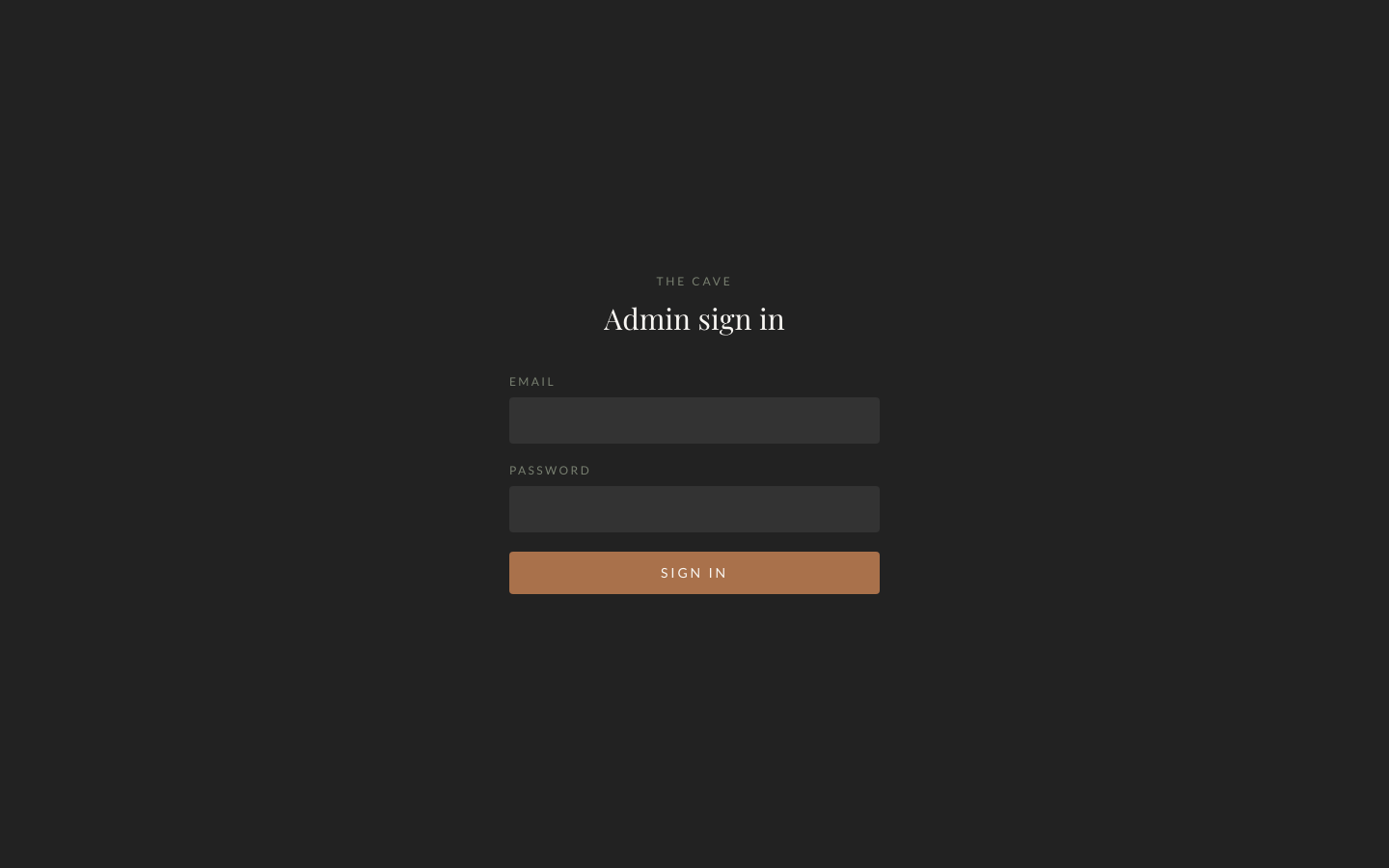
The admin panel at /admin is cookie-authenticated and gives the founders full control: a dashboard showing new applications and messages, plus editing for events, resources, announcements, and testimonials. Applications move through a New → Contacted → Accepted pipeline. Contact messages get marked handled.
- Site Next.js 15 Public site GSAPLenisView Transitions
- /admin Admin Panel Cookie-authenticated ApplicationsContent mgmt
- PB PocketBase Go + SQLite 17 migrationsCustom hooks
- Spiritual StrengthThe first pillar
- Mental StrengthThe second pillar
- Physical RenewalThe third pillar
- Emotional ClarityThe fourth pillar
- Next.js 15
- TypeScript
- GSAP ScrollTrigger
- Lenis
- View Transitions API
- PocketBase
- Go
- SQLite
- Docker
- Traefik
- Dokploy
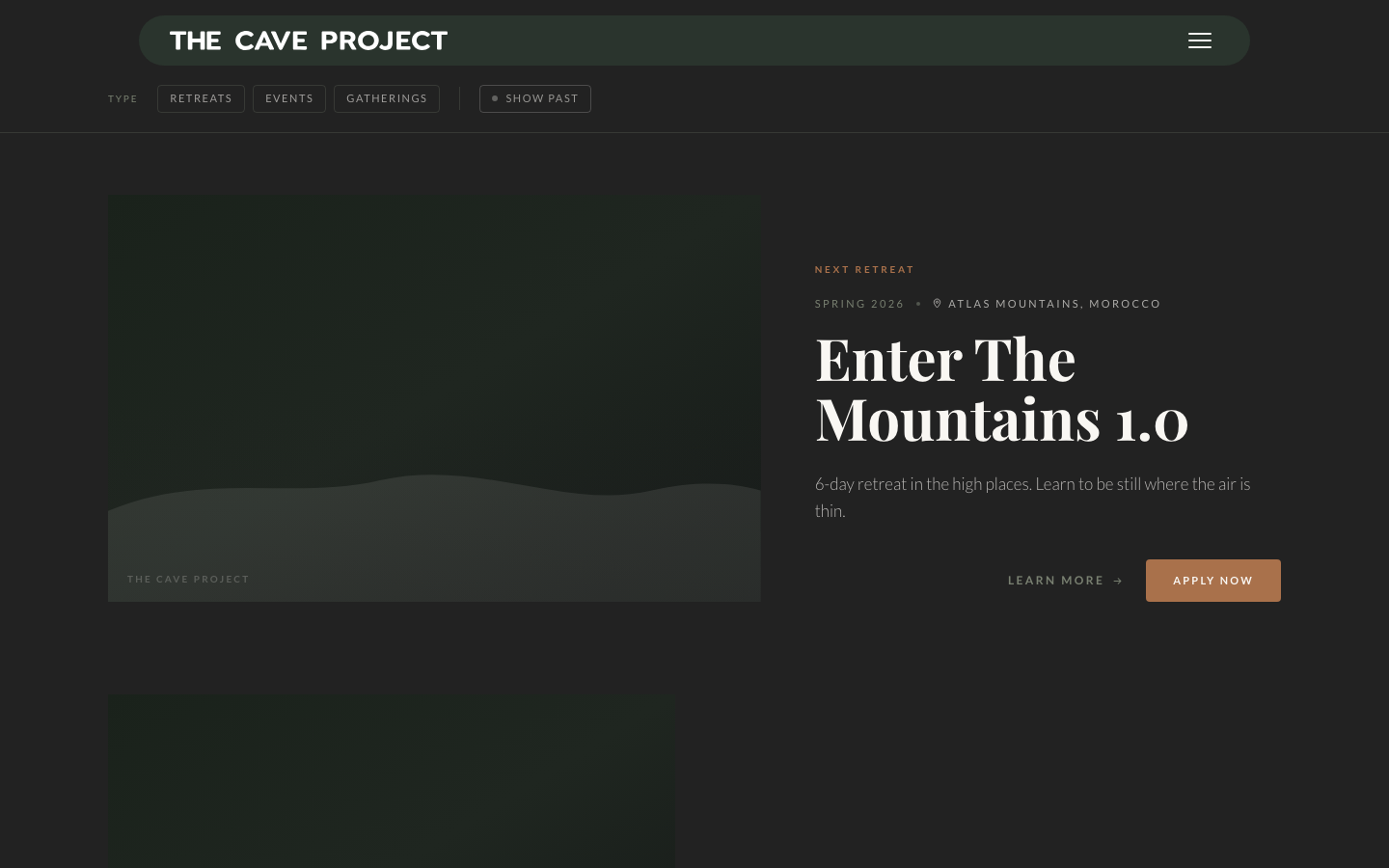
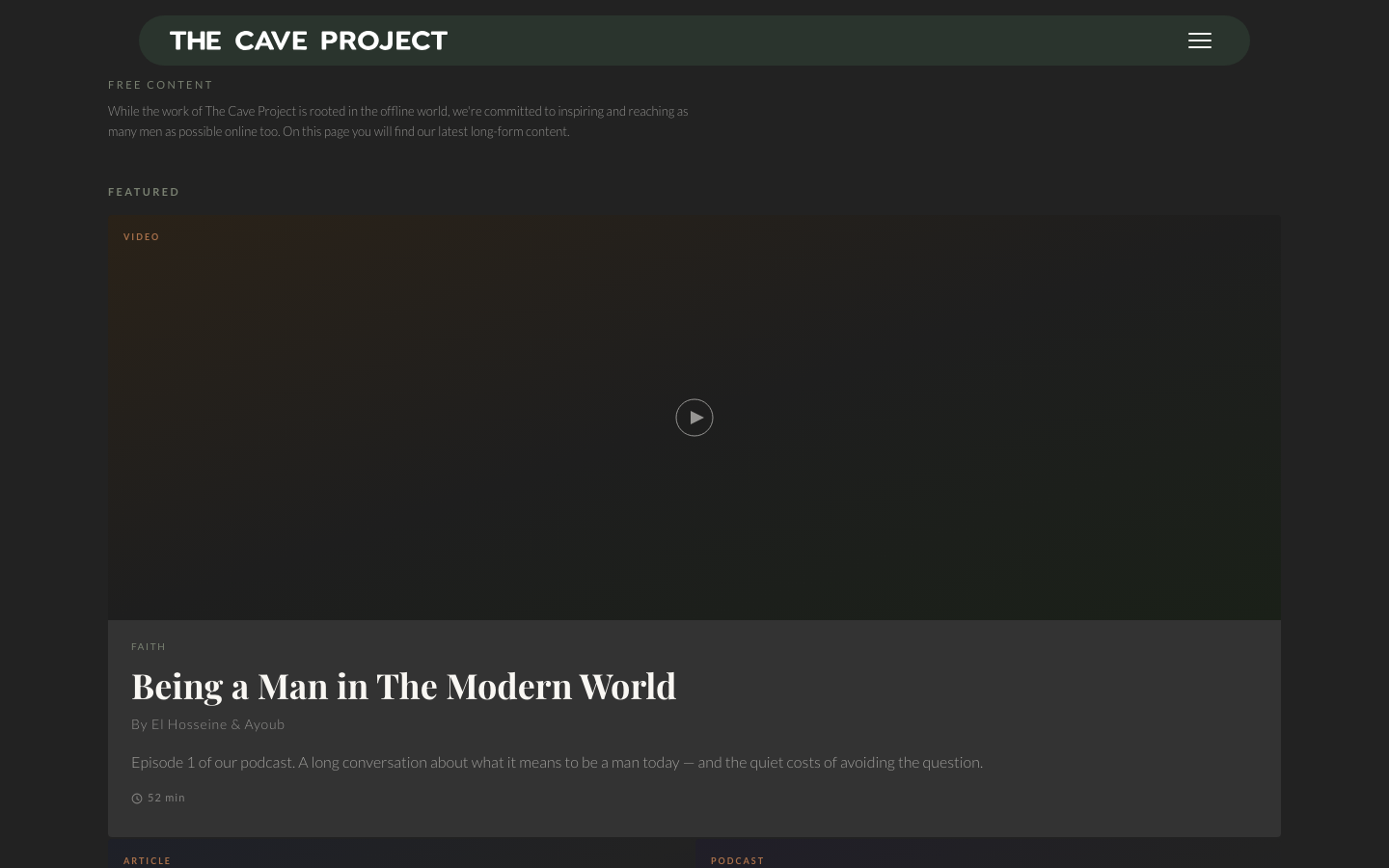
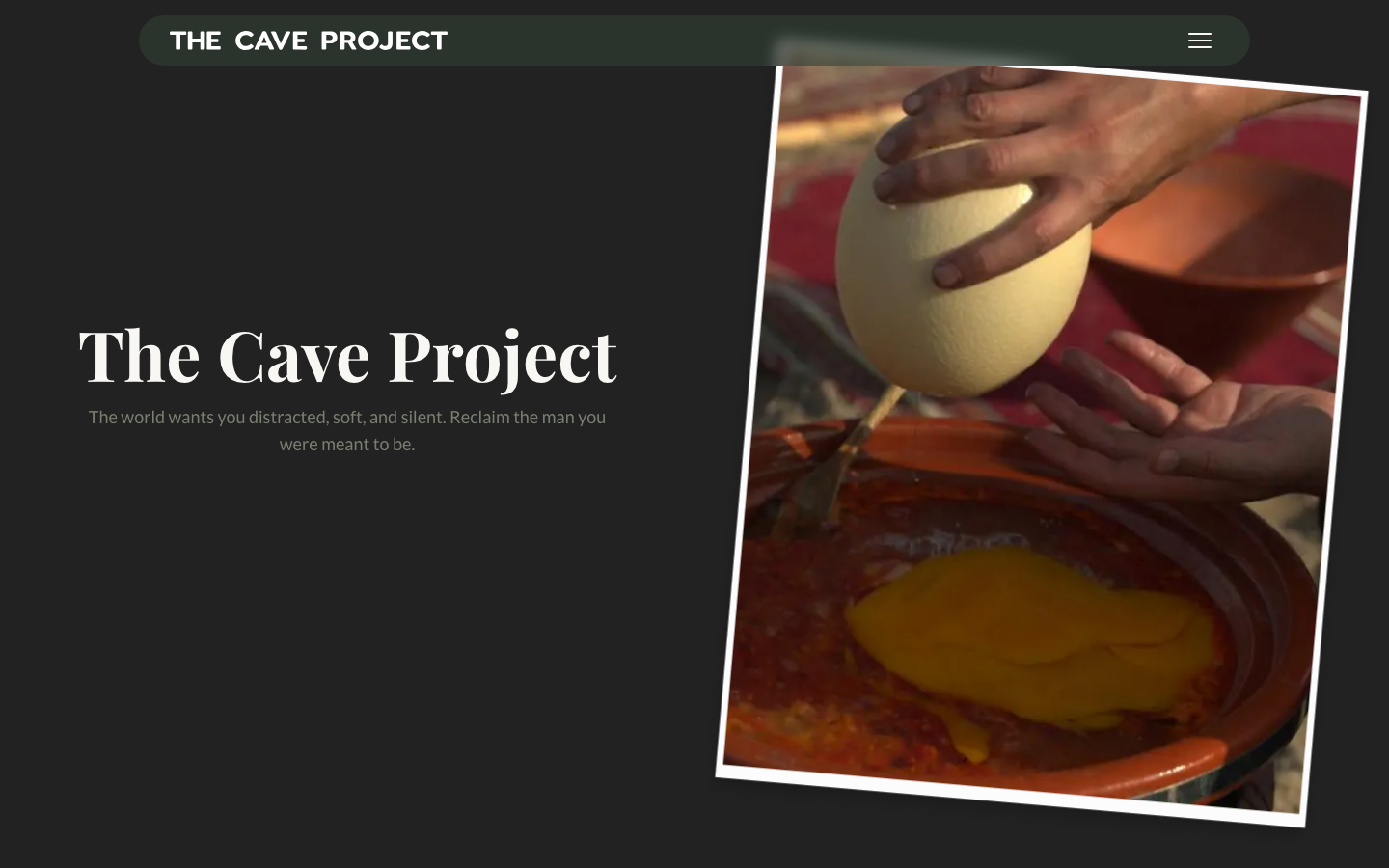
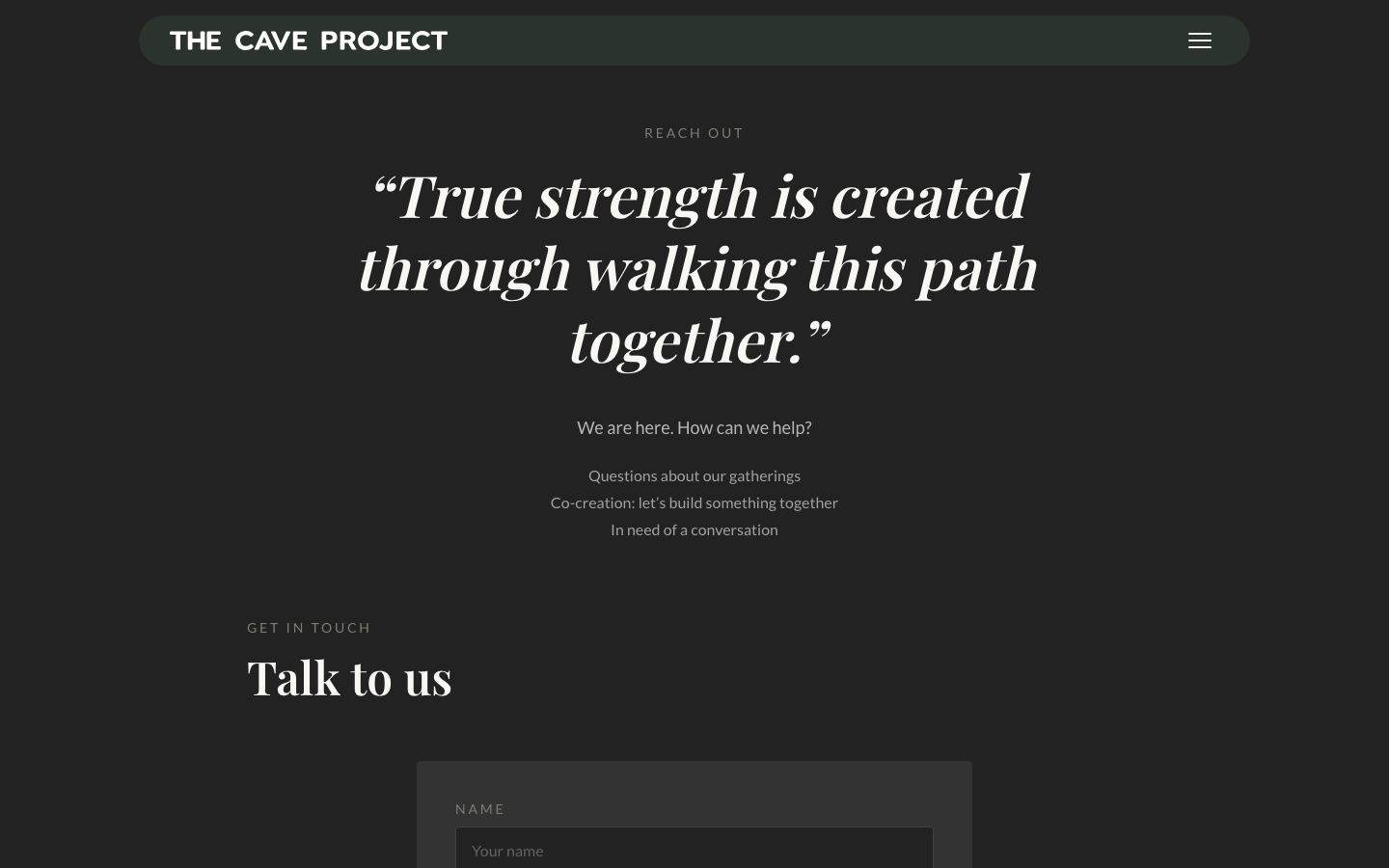
Live pages — built and shipped
04 Project Timeline
Key milestones and duration
Phase 1 March 2–8, 2026
Foundation
Repo setup as a Go workspace plus Next.js, Docker environments for dev and production, PocketBase wired in, and superuser seeding from environment variables so a fresh deploy is ready to administer immediately.
Phase 2 March 9–20, 2026
Content & Events
The announcement banner with scheduling and an optional CTA, the events collection with slugs, statuses, and images, seed data, and the public offerings pages.
Phase 3 March 23–31, 2026
Lead Capture
Applications tied to events, contact messages, both public forms with the honeypot in place, and the admin screens for reviewing them.
Phase 4 April 1–8, 2026
Resource Library — First Pass
Initial schema covering PDFs, videos, and social links, with uploads, publishing flags, and ordering.
Phase 5 April 9–20, 2026
Resource Library Redesign
Six standalone HTML mockups before any React was written. Schema reworked through additive migrations: a new taxonomy, topic tags, attribution, durations, cover images, and long-form article bodies.
Phase 6 April 21–30, 2026
Polish & Launch
Featured resources for the library's hero row, file sizes on PDF downloads, an event type taxonomy powering the offerings filter, and the production Dokploy configuration.
05 Challenges & Resolutions
What obstacles did we face, and how did we overcome them?
Scroll-controlled video
problemThe design called for a clip that plays forward and backward as you scroll. Seeking a video element on every scroll event chokes the browser — it stutters badly on trackpads and mouse wheels, making the interaction feel broken rather than intentional.
resolutionWe abandoned video seeking entirely. Pre-rendered the clip into 99 WebP frames and swap a single image source per scroll tick instead. The result is instant and completely smooth on every device.
Invisible spam protection
problemPublic forms attract bot submissions. A CAPTCHA would damage the experience for genuine applicants — this is a retreat application, not a newsletter sign-up, and friction at that point sends the wrong signal about the organization.
resolutionA hidden 'website' field on both public forms: people never see it, bots fill everything in, and the backend rejects any submission where it's non-empty. The check runs server-side, so hitting the API directly doesn't bypass it.
Status manipulation via API
problemSince anyone can create an application record by calling the API, a motivated actor could submit an application pre-marked as accepted simply by crafting the right request payload.
resolutionThe backend forces every new application to status 'new' regardless of what the request says. There is no path through the public API to self-promote your own application.
Admin HTML form edge cases
problemUnchecked checkboxes submit nothing, empty file inputs submit zero-byte files, empty number fields submit empty strings, and cleared multi-selects submit no entries — each of which the database interprets differently from what an editor intended.
resolutionA normalization layer in the server actions translates each edge case into what the database expects before the record is written. The admin panel can't put data into a broken state.
Docker internal vs public URL routing
problemInside the compose network, the Next.js container reaches PocketBase by service name. The visitor's browser can't use that address. Mixing the two breaks either server rendering or every image and file link in production.
resolutionTwo URLs kept explicitly separate throughout the codebase from day one: PB_URL_INTERNAL for server-side rendering inside Docker, NEXT_PUBLIC_PB_URL for anything the browser loads directly.
06 Before & After
Comparison of the situation before and after the project
| Before | After |
|---|---|
| Nothing that matched the brand | Full site — 8+ public pages, scroll-driven storytelling, animations that carry the retreat aesthetic |
| Applications over email and DMs — no tracking, no pipeline, easy to lose | Per-event application flow with a New → Contacted → Accepted review pipeline in the admin panel |
| Developer required for every content change — retreats, resources, testimonials, all needed a redeploy | Founders publish everything themselves: events, resources, testimonials, banners — no developer in the loop |
| Nothing in place for spam on public forms | Honeypot on both public forms — bot submissions never reach the inbox, no CAPTCHA for real applicants |
| No resource library | Filterable library with detail pages, PDF downloads with file sizes, a featured row, and long-form article bodies |
| Announcements would have required a deploy | Scheduled banner with one-click activation and an optional CTA link — founders control the timing |
| No server infrastructure | Dockerized deployment on their own server via Dokploy, Traefik routing, health checks, persistent volumes |
| Schema and data lost if the server was rebuilt | Entire schema and seed data rebuilt from 17 code-based migrations — the whole platform is reproducible from scratch |
07 Client Benefits & Outcomes
What value did the client gain?
- Public Pages
- 8+
- site · offerings · library · contact
- Phases
- 6 / 6
- all complete · on time
- DB Migrations
- 17
- schema lives in code
- Backend
- 1 binary
- PocketBase · no managed DB
Founders manage everything, no developer required
Publishing a retreat, curating the library, rotating testimonials, putting up a banner — all of it happens in the admin panel. That removes both an ongoing cost and a delay from every content decision they make.
Applications went from scattered messages to a managed queue
Every applicant has a status, nothing gets lost, and they can see demand per event at a glance. Applicants get a proper confirmation instead of silence after submitting.
Cheap to keep running, with no lock-in
One binary, an embedded database, one modest server. No CMS licensing, no managed database bills. And since everything is containerized with the schema in code, the whole thing moves by running two containers somewhere else.
The site itself does brand work
The level of polish matches what they're promising people at the retreats. That carries directly into the apply and contact flows — the first impression is consistent with the experience they're selling.
08 Key Learnings & Takeaways
What did we learn from this project?
Pick a backend that fits the client's size
PocketBase plus custom hooks gave us auth, storage, file handling, and an instant admin API in one binary — a fraction of the moving parts of a conventional stack, and far more realistic for a three-person organization to actually own and maintain long-term.
Everything security-relevant belongs on the server
The honeypot, the forced statuses, the singleton rules, the input sanitization — all backend. The frontend makes things pleasant; the backend makes them correct. That division never blurs.
Sometimes the fix is switching techniques, not optimizing
We could have spent days tuning video seeking. Moving to an image sequence solved it in an afternoon. When a technique is fundamentally fighting the browser, the right move is to find one that isn't.
Migrations-as-code proved its worth mid-project
When the resources schema had to change substantially in Phase 5, what would normally be risky manual database surgery became a reviewable set of additive, reversible steps that every environment picked up automatically.
Cheap mockups before expensive code
Six throwaway HTML files meant the resources redesign happened once, against a direction the client had already seen and approved. The mockups cost an afternoon; skipping them would have cost days of React rewrites.
Live in the site · GSAP + View Transitions API + Lenis
The Interactions
Each card shows a live demo of a key interaction pattern built for the project.
- Scroll Sequence 99 WebP frames · one image swap per scroll tick
- Radial Pillar Reveal Conic-gradient wipe · four pillars enter in sequence
- Pinned Scroll Scenes 300vh sticky track · chapter-based homepage storytelling
- View Transition Morph List card morphs into page header · browser-native API
- Application Pipeline New → Contacted → Accepted · the admin review flow
- Smooth Scroll Lenis wraps the whole site · natural momentum on any device